Introduction to PHP Web Development
A course by Ignacio Cruz MorenoWeb Developer
A course by Ignacio Cruz Moreno, Web Developer

Learn to code with the most popular language used by content manager systems
Web development brings together a growing number of programming languages, but there are few that have stood the test of time like HTML, CSS, and JavaScript. This is also the case for PHP, a language that dates back to 1995 and that remains the most widely used programming language by content management systems such as WordPress, Joomla, and Drupal.
In this online course, learn the basics of programming in PHP and create a small CMS to get started with this fascinating language together with Ignacio Cruz Moreno, a developer specialized in WordPress.
If you've already taken Ignacio's first course, Creation of a Professional Website with WordPress, it's now time to take it a step further and create your own platform to suit your needs.
What will you learn in this online course?
26 lessons & 27 downloads
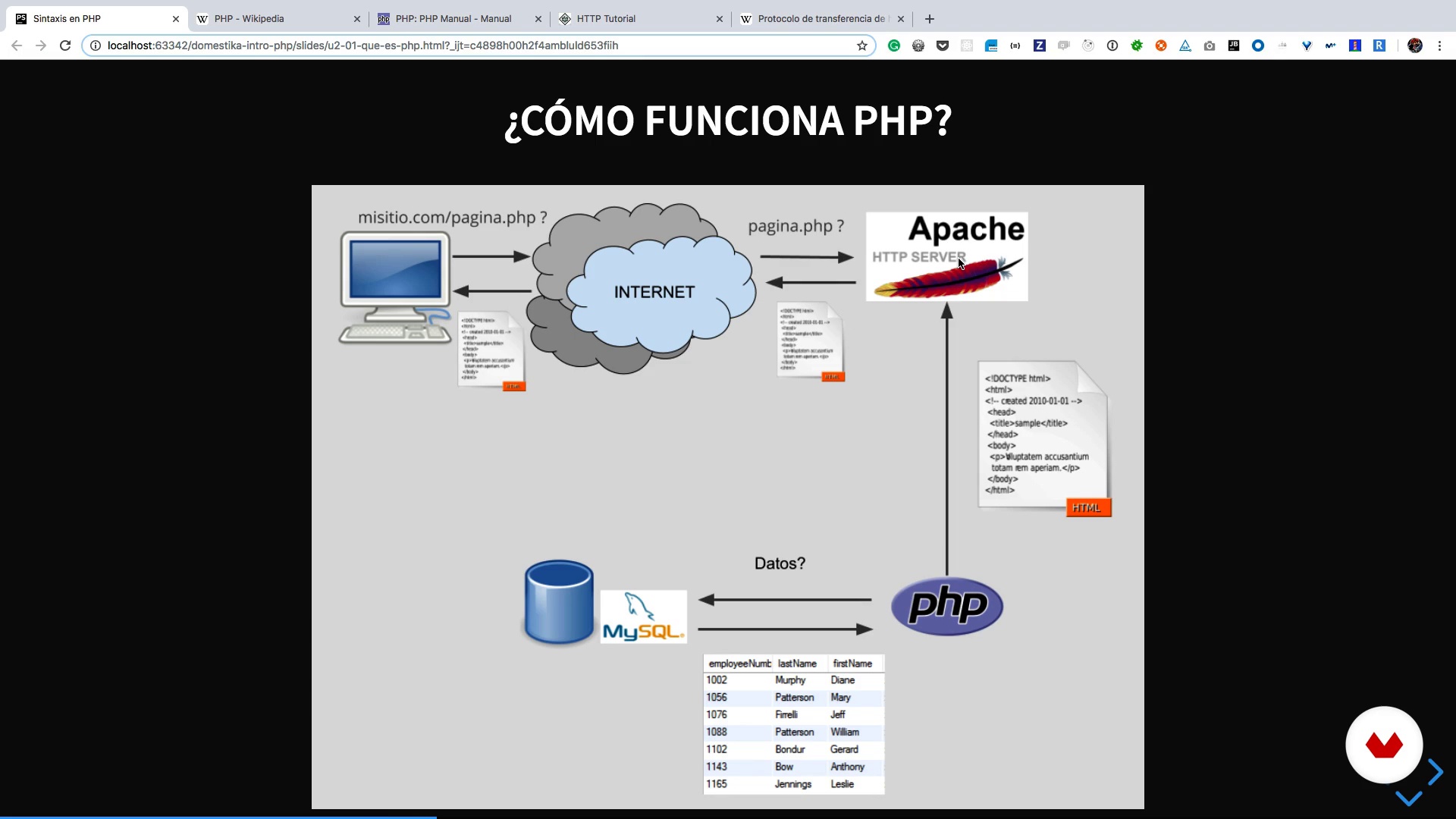
What is PHP and how does it work?
6 minutes, 52 seconds
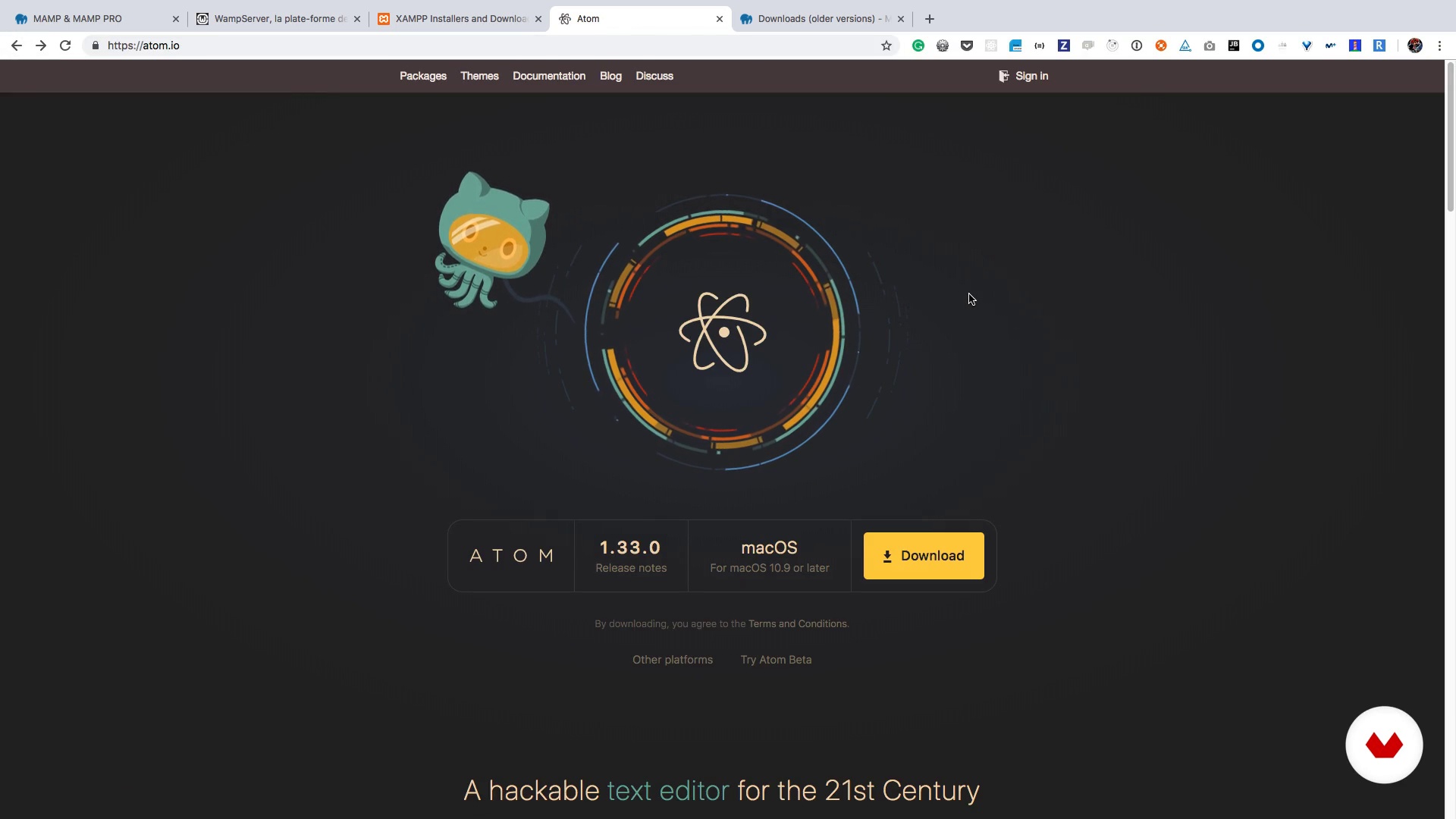
Installing a local environment
3 minutes, 57 seconds
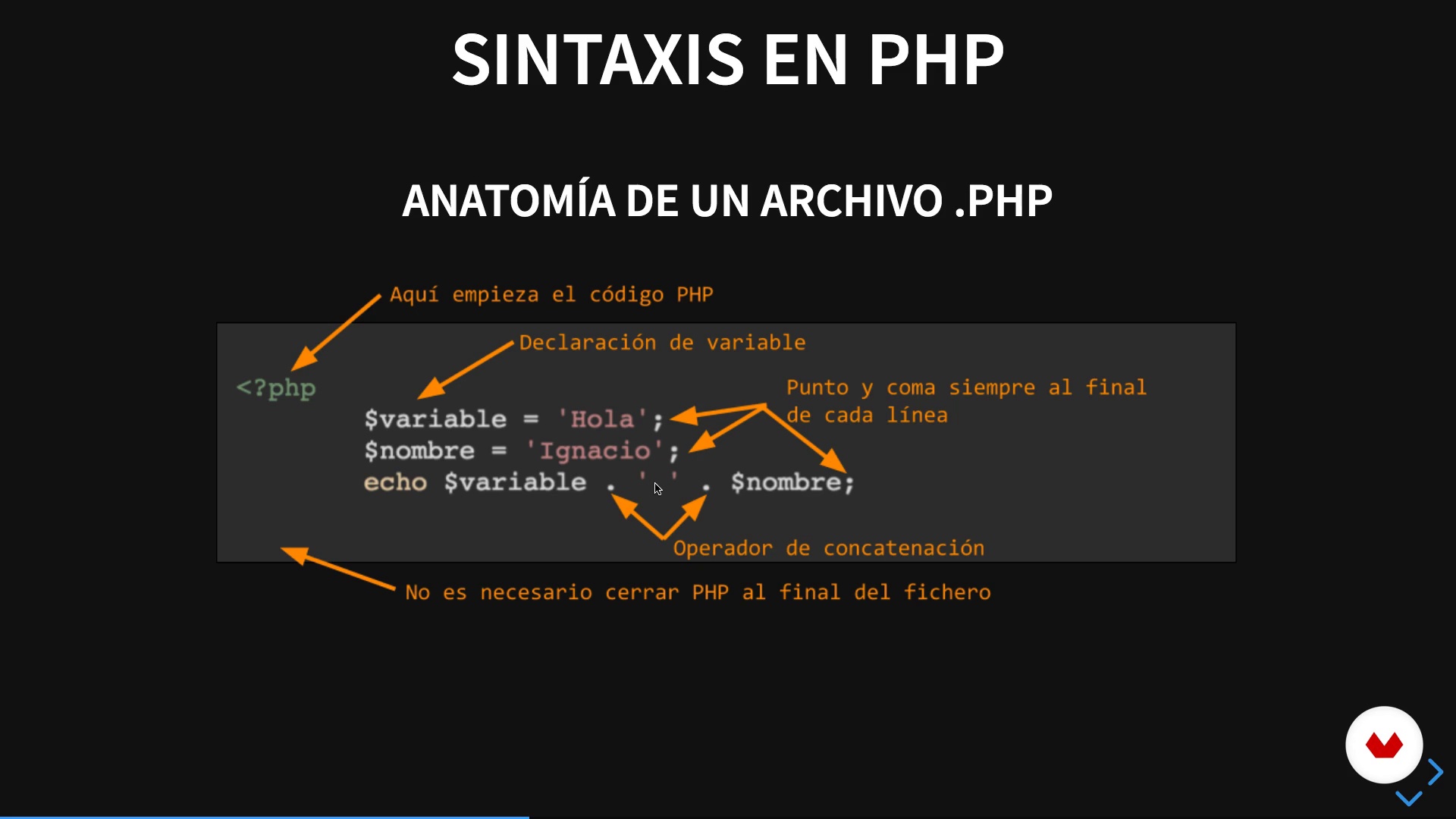
PHP syntax and our first script
6 minutes, 0 seconds
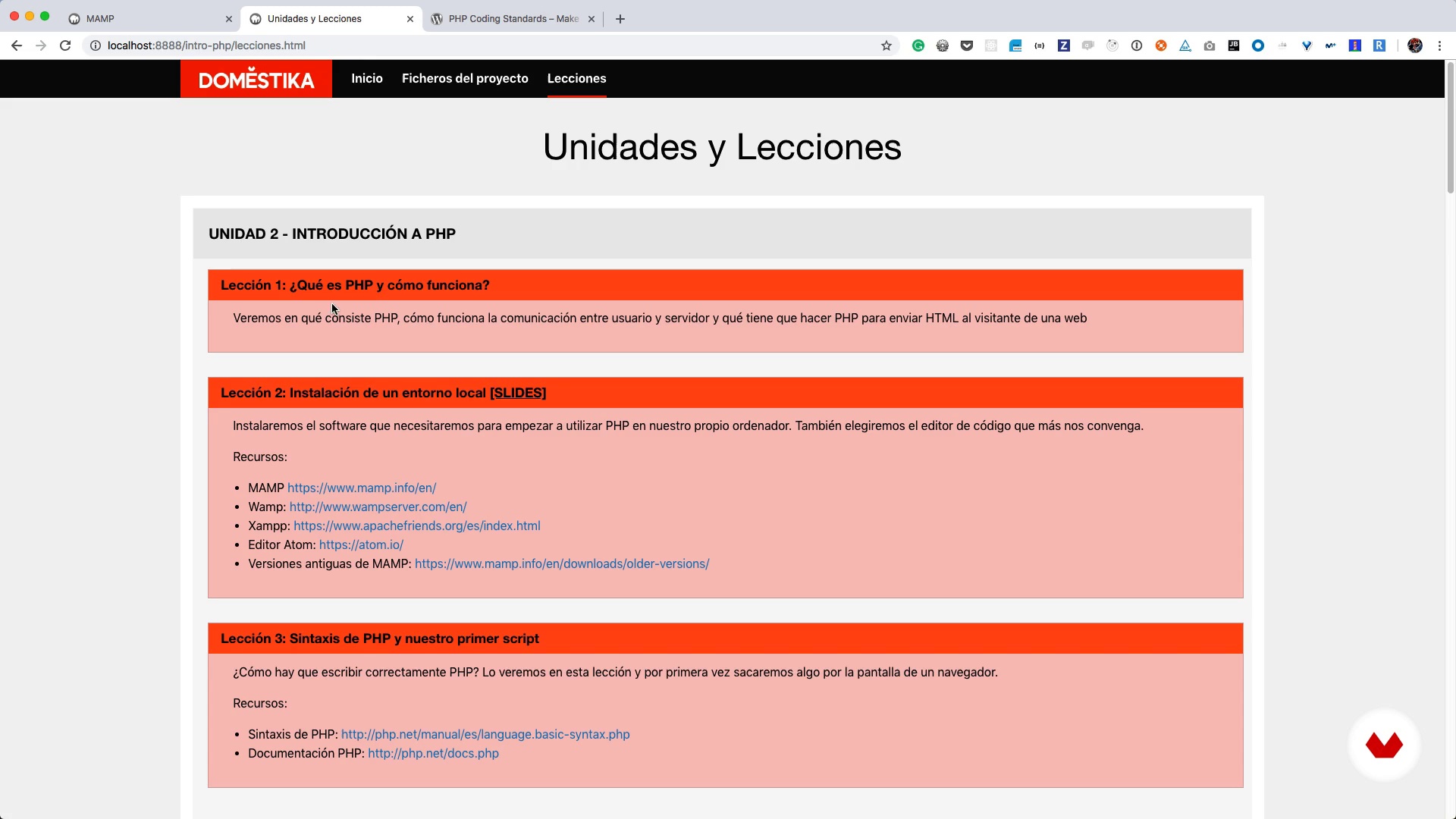
Structure of the project
4 minutes, 18 seconds
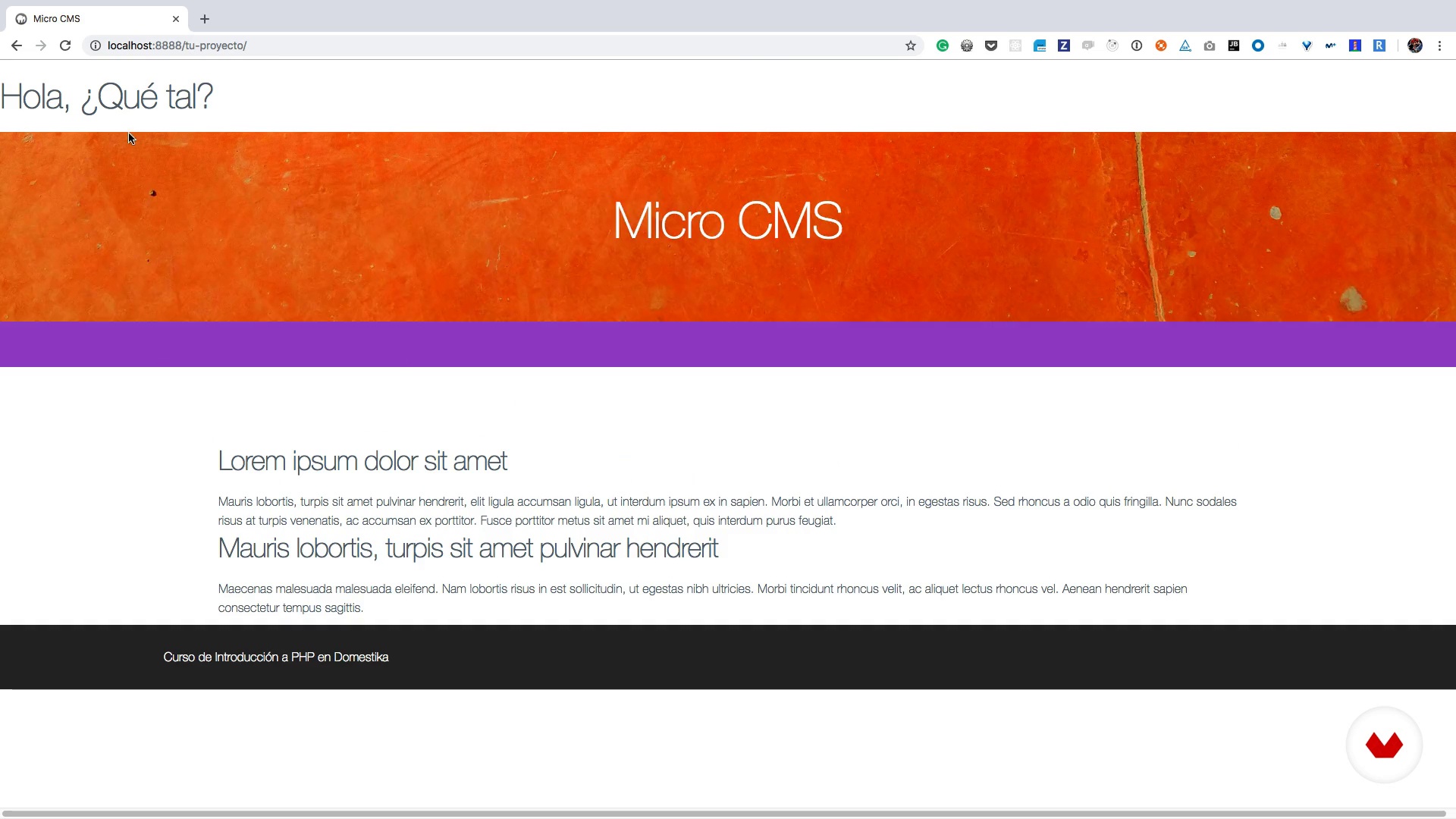
Variables, constants and functions
11 minutes, 45 seconds
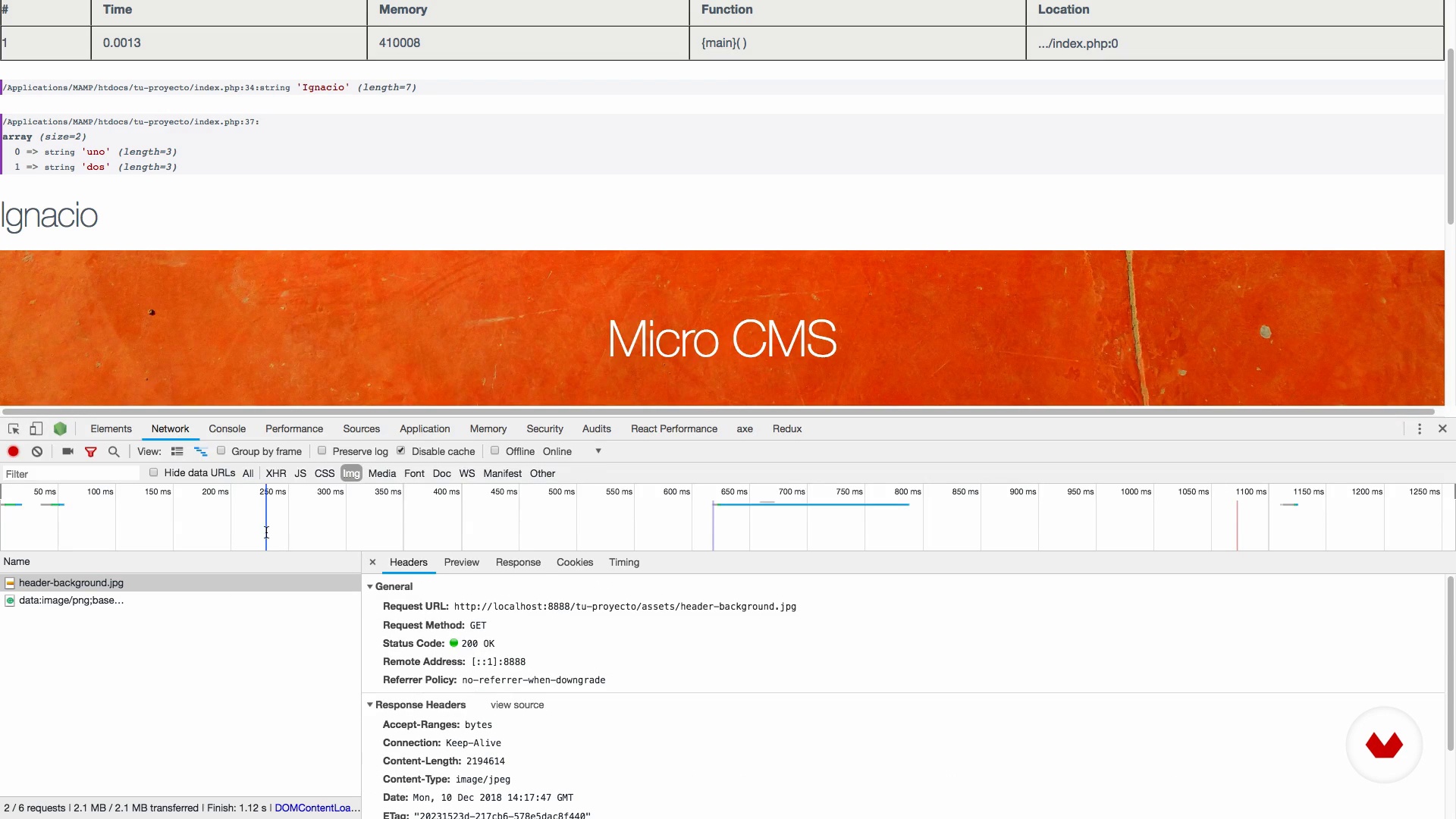
Purged of errors
11 minutes, 18 seconds
What's included in this course?
Start by getting to know Ignacio, his career path, and his influences. Browse web page references that are relevant to the course project as Ignacio shares his vision for the websites of the future.
Explore the inner workings of PHP and install the required software on your computer before diving into PHP syntax and how to write code in this programming language.
Learn to structure your PHP projects correctly and store data inside variables and constants and discover how to detect errors and debug your code.
Next, from numeric to array, study the data types that PHP uses, get to grips with loops and superglobal variables, and see what control structures and operators are in PHP.
Then, learn to use folders to keep everything organized and forms to interact with your web page visitors.
Every website needs to save its data, so learn the basics of databases and MySQL as Ignacio gives you an introduction on how to integrate this into your project.
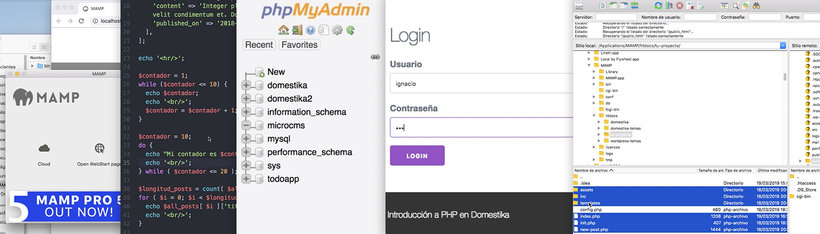
Consider foundational security concepts for your PHP project, create a login and registration form, and develop a simple front controller for your CMS.
Get a short introduction to object-oriented development and create a class within your project.
Next, take a tour of the most popular PHP frameworks and CMS—WordPress, Drupal, Laravell, Code Igniter—and discover what they can be used for.
Finally, upload your code to a production server and learn about the different hosting options you have available.
What is this course's project?
Create a small content manager system featuring a website that allows you to create blog posts, complete with a login system and connection to a database.
Projects by course students


Who is this online course for?
Anyone who wants to learn to develop web pages with PHP.
Requirements and materials
You need basic knowledge of HTML and CSS as well as a computer and a code editing software.

Reviews
- 2 months ago
Muy mal explicada la teoria, es lo clasico de una persona que maneja un tema sabe como hacer el trabajo pero una cosa es saberlo y otra cosa es saber explicarlo.
- 4 months ago
Es un curso muy bueno por si quieres entrar en lo que es php. Recomendadísimooo
- 7 months ago
Excelente para aprender desde lo mas básico hasta algo un poco mas avanzado
- 10 months ago
El curso te lleva de cero a una comprensión del lenguajePHP y a su uso principal en la web, bien explicado por el profesor que es un crack.
- 10 months ago
ce que je remarque sur ce que cour c'est pas pour debutant du coup c'est pas facile le melange d'espagnol et du français pas tres coherant j'ai acheté ce cour pour plus de comprehension mais helas

He is very involved in the WordPress community, devoting part of his time to fixing bugs and proposing improvements, and is also a co-organizer of the WordPress Madrid Meetup.
Content
- U1
Introduction
- Presentation
- Influences
- U2
Introduction to PHP
- What is PHP and how does it work?
- Installing a local environment
- PHP syntax and our first script
- U3
Preparation of the project
- Structure of the project
- Variables, constants and functions
- Purged of errors
- U4
Showing user entries
- Type of data
- Loops Iterating to show the entries
- Dates in PHP
- Superglobal variables
- Control structures and operators: Showing a single post to the user
- U5
Files and forms
- Include files in PHP: Time to reorganize
- Forms: Creating posts on the blog
- U6
Databases
- Introduction to MySQL and Databases
- MySQL integration in our project
- Saving data in the Database
- Redirects and headers
- Redirects and headers II
- U7
PHP beyond the basics
- Basic security
- Login through session system
- A front controller for our CMS
- Classes and Objects
- Frameworks and CMS in PHP
- How to upload our code
- FP
Final project
- Introduction to PHP
What to expect from a Domestika course
Learn at your own pace
Enjoy learning from home without a set schedule and with an easy-to-follow method. You set your own pace.
Learn from the best professionals
Learn valuable methods and techniques explained by top experts in the creative sector.
Meet expert teachers
Each expert teaches what they do best, with clear guidelines, true passion, and professional insight in every lesson.
Certificates
PLUSIf you're a Plus member, get a custom certificate signed by your teacher for every course. Share it on your portfolio, social media, or wherever you like.
Get front-row seats
Videos of the highest quality, so you don't miss a single detail. With unlimited access, you can watch them as many times as you need to perfect your technique.
Share knowledge and ideas
Ask questions, request feedback, or offer solutions. Share your learning experience with other students in the community who are as passionate about creativity as you are.
Connect with a global creative community
The community is home to millions of people from around the world who are curious and passionate about exploring and expressing their creativity.
Watch professionally produced courses
Domestika curates its teacher roster and produces every course in-house to ensure a high-quality online learning experience.
FAQs
You’ll learn how to build and deploy websites with PHP, manage WordPress projects, develop plugins, use the Gutenberg editor, work with MySQL databases, and apply best practices for development and version control with Git.
This is an intermediate-level course, so basic programming and web knowledge is recommended. If you already know HTML, you’ll feel more comfortable, but essential PHP and JavaScript concepts are reviewed.
You’ll need a Windows, Mac, or Linux computer, internet access, and the ability to install software like MAMP, Atom, and local servers such as Apache or alternatives. Step-by-step setup is provided.
Yes, you’ll learn how to integrate and configure the WPML plugin in WordPress to build professional multilingual sites, managing content in multiple languages.
Yes, the course covers using WordPress’s Gutenberg editor to create and customize web pages with reusable, visual blocks.
Yes, you’ll learn to develop custom WordPress plugins and understand theme structure, following coding standards and best practices.
Yes, you’ll be taught how to connect PHP with MySQL, perform CRUD operations, manage data, and use tools like phpMyAdmin to administer databases.